Meeting scheduler for client teams
Share one link. Clients pick a time that is really free, the right teammate gets the meeting and the video link is created for you.
Try the booking page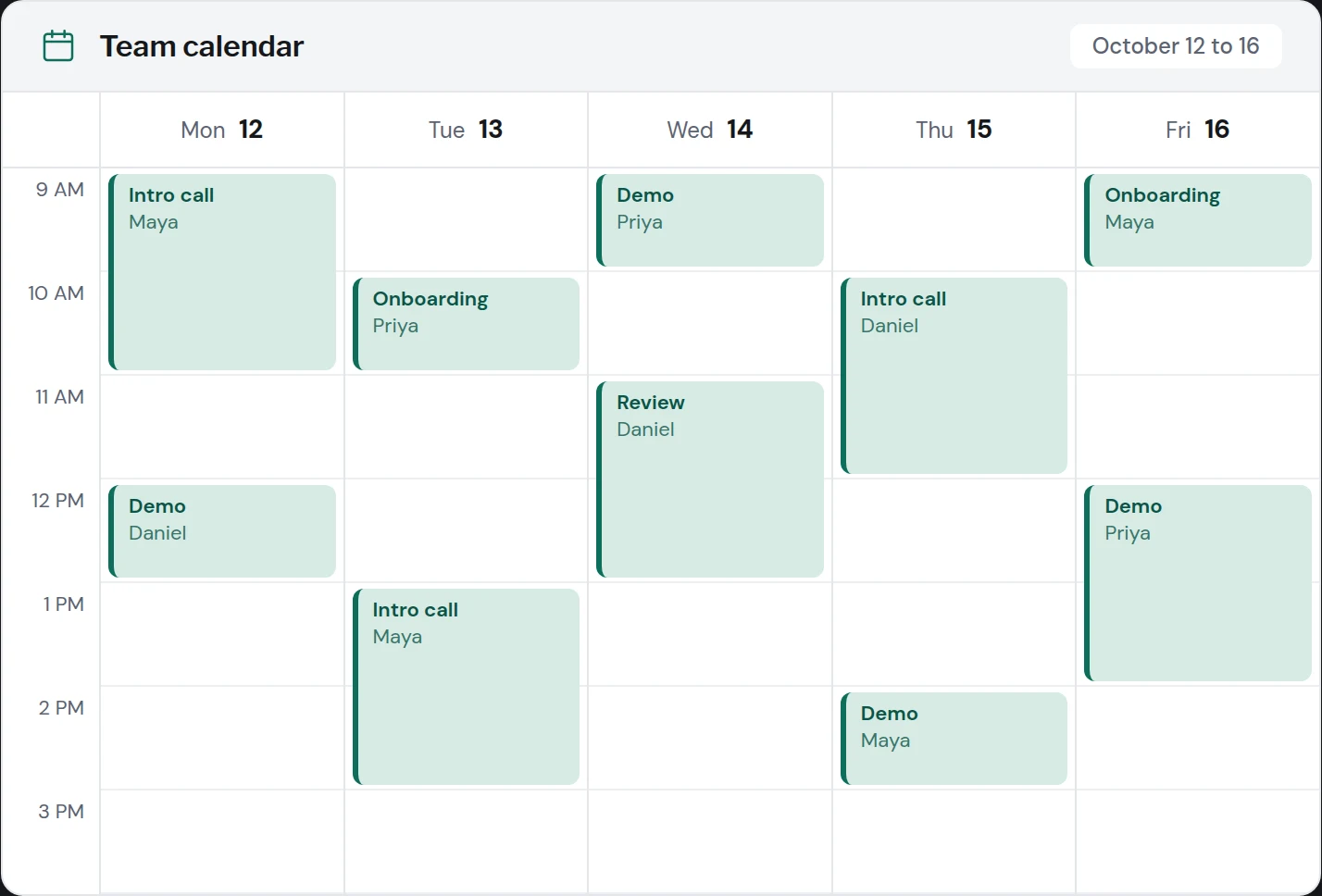
Meeting length
Working hours
Buffer between meetings
Your team (round robin)
Your time zone
No card required.
Your calendar data stays yours.
Times shown for
No free times this day. Check the working hours or hosts.
Booked
Host assigned by round robin. Google Meet link added to the invite.
Share and automate
How it works
- 1
Connect your calendar
Link Google or Microsoft 365. MeetSetup reads free and busy times only.
- 2
Set your rules
Pick meeting lengths, hours, buffers and who takes which meetings.
- 3
Share your link
Send it, embed it or add it to email replies. Bookings land on calendars.
Availability
One link, real free time
Your booking page reads free and busy times from every connected calendar, adds buffers and daily limits, and shows each client the slots in their own time zone. No more checking three calendars before you answer.
- Availability that follows your working hours
- Buffers before and after every meeting
- Slots shown in the invitee time zone
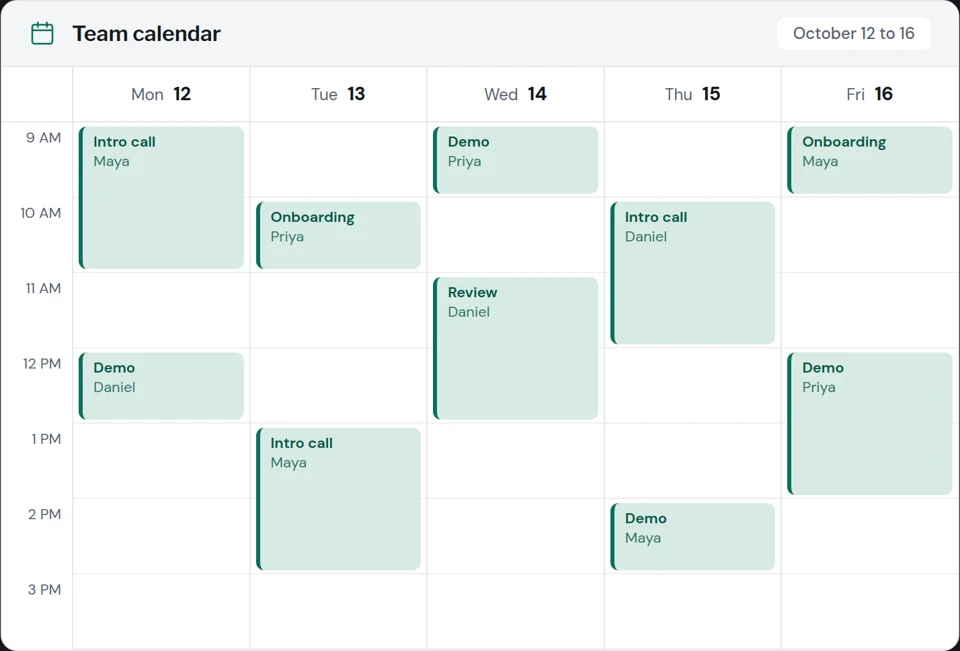
Free time across 3 calendars
Tuesday
Your time 11:00 AM, their time 4:00 PM
Routing
The right person gets the meeting
Round robin spreads inbound demos fairly across the team and skips anyone who is busy or out of office. Routing forms send each lead to the right owner by company size or territory.
- Round robin and collective meetings
- Routing forms with simple rules
- Shared team pages with one link
Routing form
Next up in rotation Priya, then Maya
Follow ups
The follow up email writes itself
The AI scheduling assistant reads an email thread, proposes real open times and drops them into your reply. Reminders by email and SMS keep no shows low without manual chasing.
- Time proposals inside email replies
- Reminders by email and SMS
- Confirmation and reschedule links
Reply draft
Hi Sam, happy to set up a call. Here are three times that work for both sides:
Pick one and the invite arrives with a video link.
Everything a booking page needs
Google and Microsoft calendars
Connect several calendars and check them all for conflicts.
Automatic video links
Google Meet, Zoom or Teams link created for every booking.
Routing forms
Ask two questions and send the lead to the right owner.
Reminders
Email and SMS reminders and one click reschedule.
Admin roles
Control who edits pages and managed meeting types.
Embeds
Place the booking page inline, as a popup or as a button.
Built for teams that live on client calls
Inbound demos land on the right rep in minutes
Round robin shares demo requests fairly, routing forms qualify leads by company size, and the booking page confirms a time while the lead is still interested. Speed to lead goes up because nobody waits for a reply.
Clients book discovery calls and reviews without email
A shared team page lets clients choose a strategist, a time and a video link in one step. Buffers stop back to back calls and double bookings across the whole studio.
Onboarding and review calls across time zones
Customers see slots in their own time zone, receive reminders by email and SMS, and reschedule with one click. Fewer no shows, fewer long email threads.
Candidates pick interview slots across a panel
Collective meetings find an hour when every interviewer is free. Candidates choose from the shared slots and everyone gets the invite with the video link.
A single link for every client call
Starter gives a solo professional unlimited booking pages and meeting types, with intake questions that arrive before the call.
Built for sales and operations leaders
One flat price covers the whole team up to its host limit, so adding a rep does not change the bill. Admin roles control every page, calendars are read for free and busy times only, and annual plans come with invoices.
Read about securityFlat team price
Plans cover a host limit, not each seat.
Admin control
Roles and managed meeting types.
Free and busy only
Event details are not read.
Annual invoices
Invoice on annual plans.
Pricing for the whole team
One price per team, not per seat. Choose yearly and save 50 percent.
Starter
Consultants and small studios
$24 / month
$288 billed yearlyBilled monthly
Up to 3 hosts
- Unlimited booking pages and meeting types
- Google Calendar and Microsoft 365
- Automatic Google Meet, Zoom and Teams links
- Time zone detection, buffers and daily limits
- Email reminders and custom questions
TeamMost chosen
Sales and agency teams
$74 / month
$888 billed yearlyBilled monthly
Up to 15 hosts
- Everything in Starter
- Round robin and collective meetings
- Routing forms for every lead
- Shared team pages
- AI scheduling assistant
- HubSpot sync, reminders by email and SMS
Business
Multi team revenue orgs
$249 / month
$2,988 billed yearlyBilled monthly
Up to 50 hosts
- Everything in Team
- Salesforce sync
- Advanced routing by company size and territory
- Admin roles and managed meeting types
- Reporting on meetings booked and no shows
- Custom domain and priority support
Enterprise
51 hosts and more. SSO (SAML), SCIM provisioning, audit log, data processing agreement, security review documents, uptime SLA and annual invoicing.
Plans are priced per team and count hosts, not seats for invitees. Removing a host does not refund the current period. Cancel any time and keep access to the end of the paid period.
Built for sales, customer success, agencies and consultants who book client meetings every day.
Frequently asked questions
Set up your first booking page in two minutes
Connect a calendar, set your rules and share one link.